Welcome
Welcome to the webpage for the Introduction to Programming course at Aarhus University.
Overview
Lecturer
| Lecturer | Office | |
|---|---|---|
| Assoc. Prof. Magnus Madsen | magnusm@cs.au.dk | Turing-215 |
Teaching Assistants
| Class | Time | Room | Teaching Assistant | |
|---|---|---|---|---|
| DA2 | Tue 12-15 | 5523-121 | Maja Landbo | 202505045@post.au.dk |
| DA3 | Tue 12-15 | 5523-129 | Mathias Møller Bøttger | 202505963@post.au.dk |
| DA4 | Tue 12-15 | 5520-112 | Tayo Kim Krüger | 202009230@post.au.dk |
| IT-IPROG | Wed 08-11 | 5520-112 | Jacob Foster-Mortensen | 202509780@post.au.dk |
| IT-IPROG | Wed 08-11 | 5520-112 | Noah Temkkit Gottlieb | 202507255@post.au.dk |
| ITE-INTPRO | Wed 12-15 | 5342-020 | Simon Olesen | 202405619@post.au.dk |
| CS1-INTPRO | Wed 12-15 | 5125-417 | Benjamín Tydor | 202507869@post.au.dk |
| MIX-IPROG | Wed 12-15 | 1520-516 | Mathias Hald Kristensen* | 202508184@post.au.dk |
| DA1 | Thu 12-15 | 5125-120 | Lasse Hjøllund Jensen | 202407401@post.au.dk |
| Head TA | - | Turing-229 | Mathias Pedersen | mp@cs.au.dk |
Getting Help
To get help, you can:
- E-mail your teaching assistant (TA) with specific questions about the assignments or exercises.
- E-mail the lecturer for questions about the course or the exam.
- Consult Technical Help for help with installing Java, using IntelliJ, and other technical issues.
Study Cafe
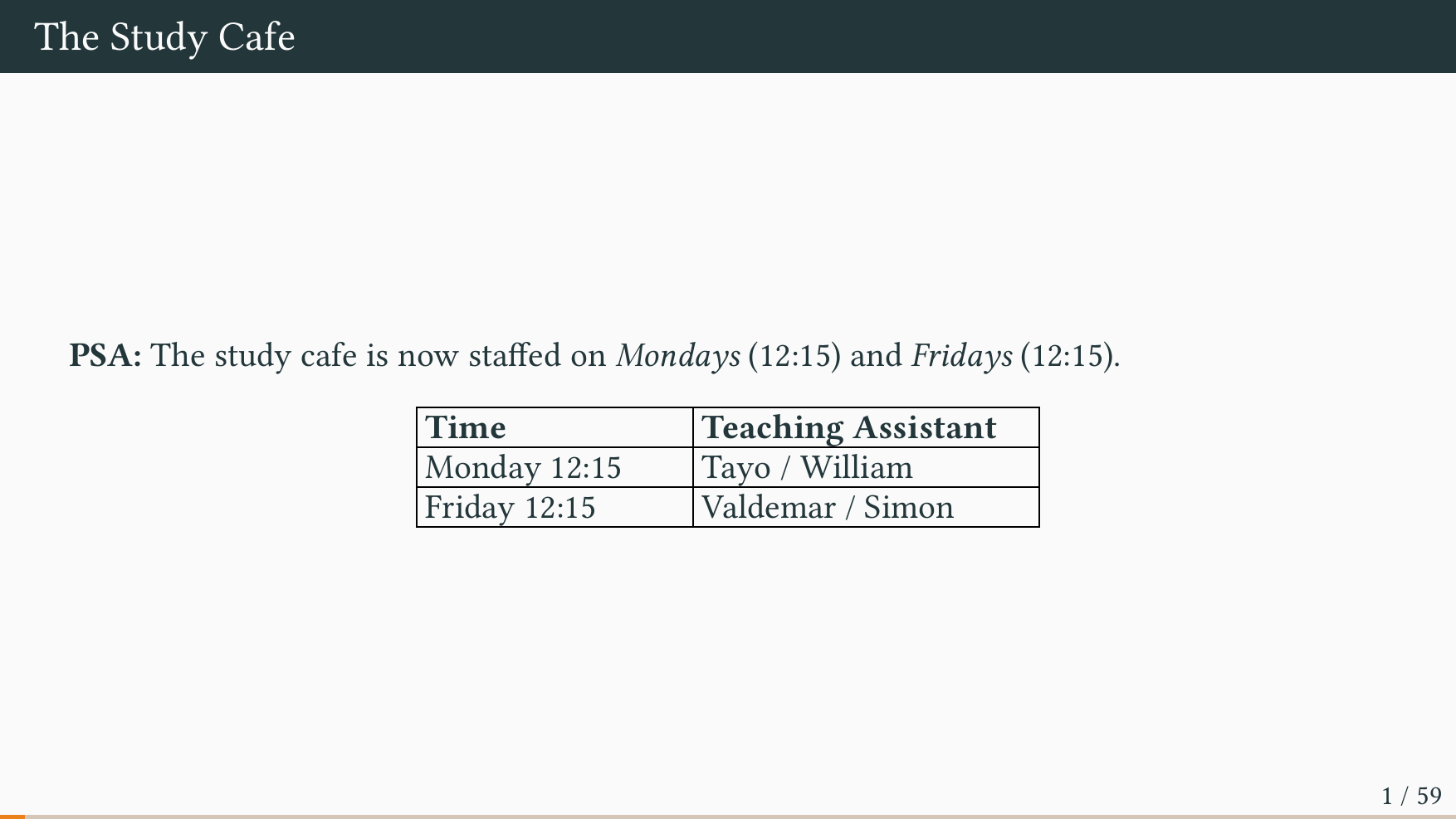
The study cafe offers an opportunity to work on exercises or assignments with help from TAs:
| Week | Wed 10 to 12 | Fri 12 to 14 |
|---|---|---|
| Week 1 | Mathias B | Lasse |
| Week 2 | Benjamin | Noah |
| Week 3 | Simon | Jacob |
| Week 4 | Mathias K | Tayo |
| Week 5 | Mathias B | Lasse |
| Week 6 | Mathias K | Noah |
| Week 7 | Jacob | Tayo |
| Week 9 | Simon | Lasse |
| Week 10 | Benjamin | Noah |
| Week 11 | Jacob | Tayo |
| Week 12 | Mathias B | Lasse |
| Week 13 | Mathias K | Simon |
| Week 14 | Benjamin | Noah |
| Week 15 | Jacob | Tayo |
Formalities
- Course Description – the formal course description.
- Book – information about the textbook used in the course.
- Assignments – information about the mandatory weekly assignments.
- GenAI – information about the use of generative AI.
Course Description
The course description (da: kursusbeskrivelsen) is available in the course catalog.
Course Content
Participants will learn elementary programming language constructs and how to use them to write small computer programs.
Foundational: Understanding what a Java program is, how to compile it, and how to execute it. Reasoning about whether a program is well-formed and about its behavior.
Imperative Concepts: Writing simple methods using local variables, if-then-else, and for- and while loops. Writing simple data structures using plain objects and arrays.
Object-Oriented Concepts: Writing simple classes with encapsulated state, getters and setters, and using interfaces and inheritance.
Programming Techniques: Programming with common data structures, such as lists, sets, and maps. Applying basic debugging and testing techniques to understand how a program behaves. Manipulating the file system, including the creation, reading, and writing of files.
Learning Objectives
After the course, students will be able to:
- Explain how to write a Java computer program, compile it, and execute it.
- Use elementary imperative programming language constructs, including: primitive data types, local variables, assignment, arrays, if-then-else, and for- and while loops.
- Use elementary object-oriented programming language constructs, including: classes, interfaces, objects, and methods.
- Use common data structures such as lists, sets, and maps.
- Identify, explain, and overcome compiler errors (e.g. syntax, semantic, or type errors).
- Apply programming techniques to write small programs in imperative or object-oriented style.
- Apply basic debugging and testing techniques to understand and correct program behavior.
- Apply advanced programming features such as inheritance and generics.
Mandatory Hand-ins
Students must submit a total of 10 weekly assignments which must be approved.
The weekly assignments are individual, but students may work together in small groups.
Exam
The exam consists of two parts:
Part A: A take-home assignment: An individual take-home programming project. The exam is open-book, i.e. students may use all materials available except Generative AI. Students may discuss the project with each other, but may not share any source code.
Part B: A written exam: An individual written exam. The exam is closed-book, i.e. students may not use any materials. The scope of the written exam is the entire course syllabus plus the take-home programming project.
Assessment: One overall grade, weighted approximately 40/60 between the take-home Assignment and the written Exam.
Re-exam
The re-exam consists of a 15-minute oral exam without preparation based on the course curriculum including the individual take-home programming project.
Generative AI
Students are not permitted to use Generative AI.
Book
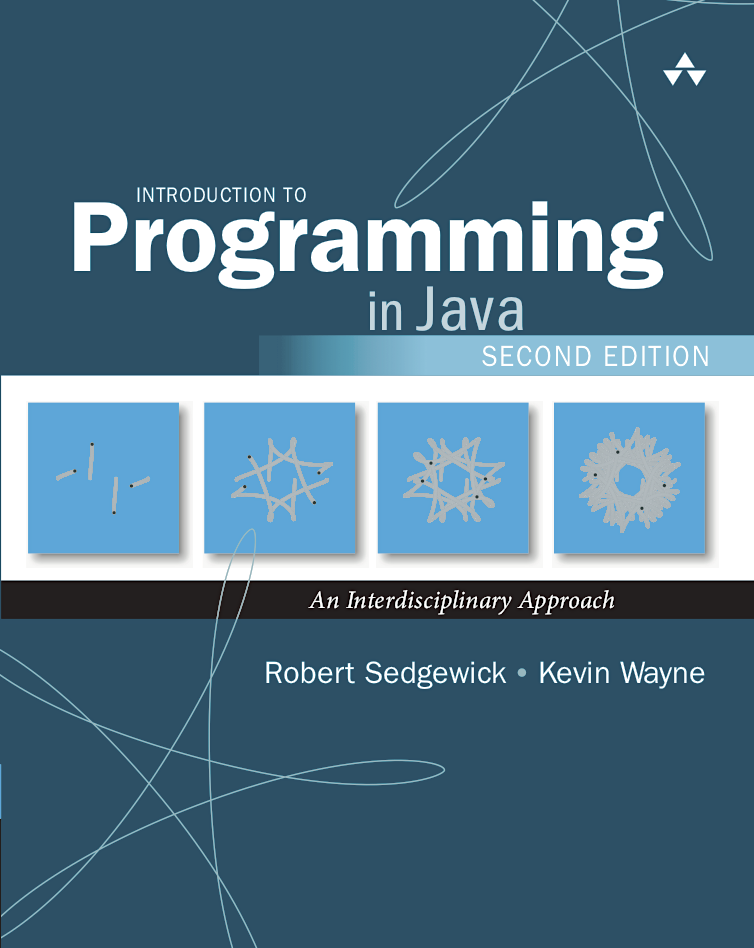
The textbook for this course is: Introduction to Programming in Java (2nd edition).
The details of the book are:
| Title | Introduction to Programming in Java (2nd) |
| Authors | Robert Sedgewick & Kevin Wayne |
| ISBN-13 | 978-0-672-33784-0 |
| Edition | Second |
| Year | 2017 |
| Pages | 756 |
The book website is: https://introcs.cs.princeton.edu/java/home/
❗ You must obtain the book. The exercises and assignments are in it.
❗ Ensure you get the 2nd edition. The exercises have been renumbered.
ℹ️ The textbook website contains an excerpt of the book. It is insufficient for the course.
Source Code
The source code for the standard library used for exercises and assignments can be found below.
The above source code is available under the GPL license from the book authors.
Mandatory Weekly Assignments
From the course description:
❗ Students must submit a total of 10 weekly assignments which must be approved.
The weekly assignments are subject to the following requirements:
- The assignments must be submitted before the deadline, which is
every Sunday at 23:59.
- An assignment that is not submitted before the deadline is marked FAIL.
- If an assignment cannot be submitted on time due to exceptional circumstances, the student must proactively e-mail the lecturer with a reasonable explanation.
- Teaching assistants (T.A.s) cannot grant extensions or exemptions.
- The T.A. will correct the assignment, give feedback, and mark it
PASS or FAIL.
- If an assignment is failed, the student may resubmit it to address the feedback.
- An assignment can be resubmitted once.
- The deadline for the resubmission is two weeks after the original deadline.
- Every student must receive mandatory oral feedback at least four times during
the course.
- If an assignment is marked with ORAL FEEDBACK (in addition to either PASS or FAIL), the student must attend the next exercise session to receive the feedback in person. If the student does not attend, the assignment is marked FAIL.
- The oral feedback is a conversation about the source code between the student and T.A.
There are 14 weekly assignments in total, but only 10 of them must be approved. In other words, a student may fail up to four assignments and still satisfy the requirement.
The weekly assignments are individual, but students may work together in small groups.
ℹ️ The weekly assignments do not count towards the final grade. They must simply be approved to qualify for the final exam.
GenAI
From the course description:
❗ Students are not permitted to use Generative AI.
This means that:
- You may not use GenAI to produce source code or text in any assignment.
- You may not use GenAI to produce source code or text in the exam project.
- You may not use GenAI to produce source code or text in the written exam.
Here GenAI includes any use of LLMs, chatbots, coding agents, or other AI tools.
ℹ️ You are welcome to use GenAI or other AI tools to support your learning:
- You can use AI to explain programming concepts.
- You can use AI to explain or offer hints about an exercise.
- You can use AI to ask for help about a compiler error message.
You may also use AI to solve a programming exercise, but doing so is not recommended.
You could also ask a friend to solve an exercise, but what will you learn?
Schedule
The lectures are scheduled:
- Every Monday at 14.15–16.00 in 5335-016 Peter Bøgh Aud.
- Every Thursday at 08.15–10.00 in 1533-103 Aud. E.
Note that Peter Bøgh is the large auditorium in the Nygaard building in Katrinebjerg, whereas Aud. E. is at the Department of Mathematics on the main campus (Google Maps).
The first lecture is on Monday Aug 24 at 14.15.
The course is naturally divided into two parts by the fall break:
- Week 1 to Week 7
- Week 9 to Week 15
Week 1
Reading
- Textbook: Preface [p. xi to p. xvii]
- Textbook: Chapter 1.1: Your First Program [p. 1 to p. 12]
Slides
Exercises
- Exercise 1.1.1
- Exercise 1.1.2
- Exercise 1.1.3
- Exercise 1.1.4
- Exercise 1.1.5*
- Exercise 1.1.6*
Exercises marked with * are the mandatory assignment.
Week 2
Reading
- Textbook: Chapter 1.2: Built-in Types of Data [p. 14 to p. 44]
Slides
Exercises
- Exercise 1.2.1
- Exercise 1.2.2
- Exercise 1.2.3
- Exercise 1.2.4
- Exercise 1.2.7
- Exercise 1.2.9
- Exercise 1.2.10
- Exercise 1.2.14
- Exercise 1.2.16
- Exercise 1.2.18
- Exercise 1.2.19
- Exercise 1.2.20
- Exercise 1.2.25*
- Exercise 1.2.30*
Week 3
Reading
- Textbook: Chapter 1.3: Conditionals and Loops [p. 53 to p. 80]
Slides
Exercises
- Exercise 1.3.1
- Exercise 1.3.2
- Exercise 1.3.3
- Exercise 1.3.5*
- Exercise 1.3.7
- Exercise 1.3.8
- Exercise 1.3.9
- Exercise 1.3.16
- Exercise 1.3.24*
- Exercise 1.3.25*
- Exercise 1.3.29
- Exercise 1.3.36
Week 4
Reading
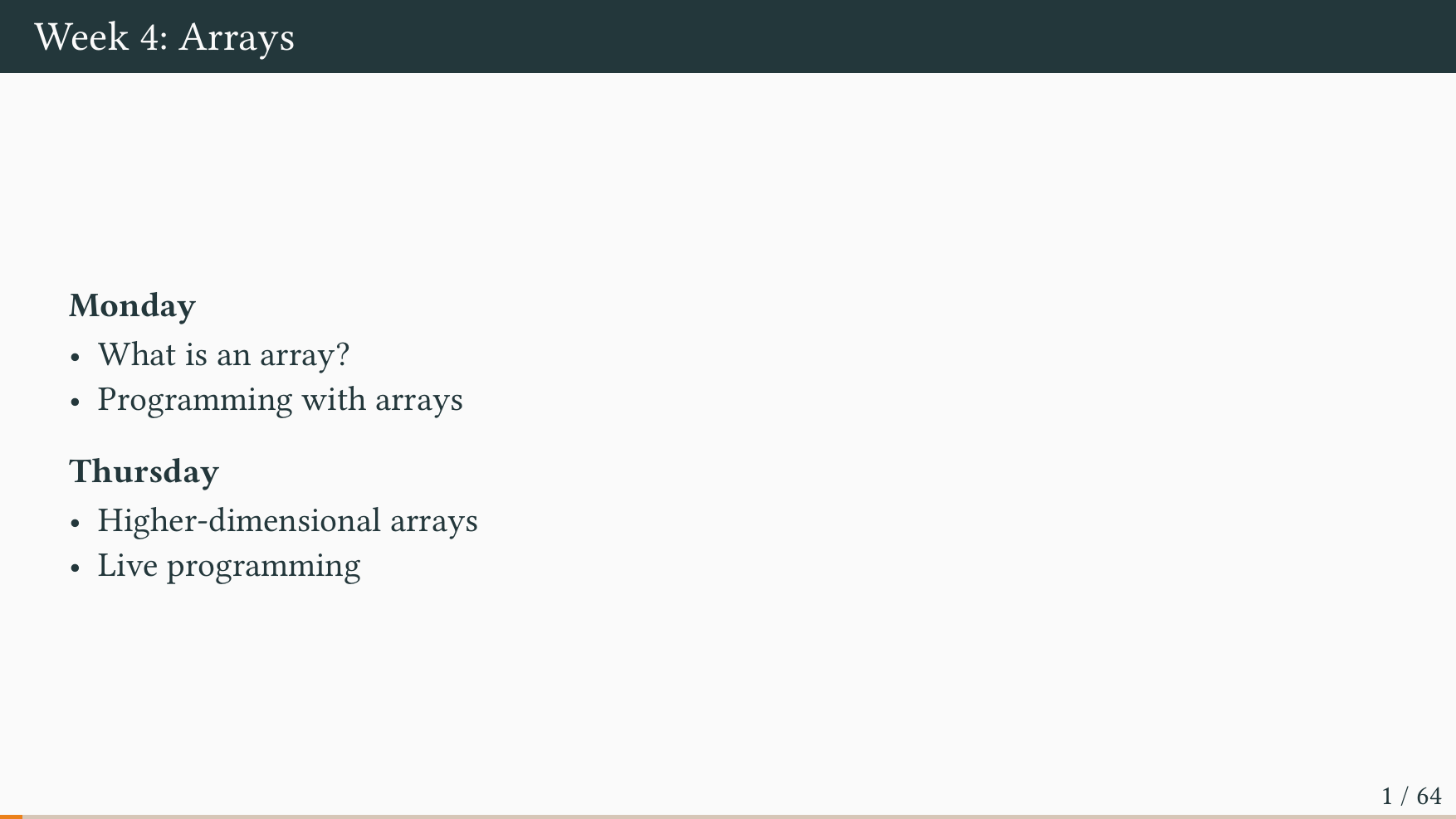
- Textbook: Chapter 1.4: Arrays [p. 90 to p. 118]
Slides
Exercises
- Exercise 1.4.1
- Exercise 1.4.2
- Exercise 1.4.3
- Exercise 1.4.5
- Exercise 1.4.6
- Exercise 1.4.7
- Exercise 1.4.9
- Exercise 1.4.10*
- Exercise 1.4.11
- Exercise 1.4.14*
Week 5
Reading
- Textbook: Chapter 1.5: Input and Output [p. 126 to p. 161]
Slides
Exercises
- Exercise 1.5.1
- Exercise 1.5.2
- Exercise 1.5.3
- Exercise 1.5.6
- Exercise 1.5.7*
- Exercise 1.5.10
- Exercise 1.5.11
- Exercise 1.5.19*
Hint
You can calculate the coordinates of pointi(where0 <= i < n) with the following formulas:- xi = cos(2 · π · i / n)
- yi = sin(2 · π · i / n)
- Exercise 1.5.26*
Week 6
Reading
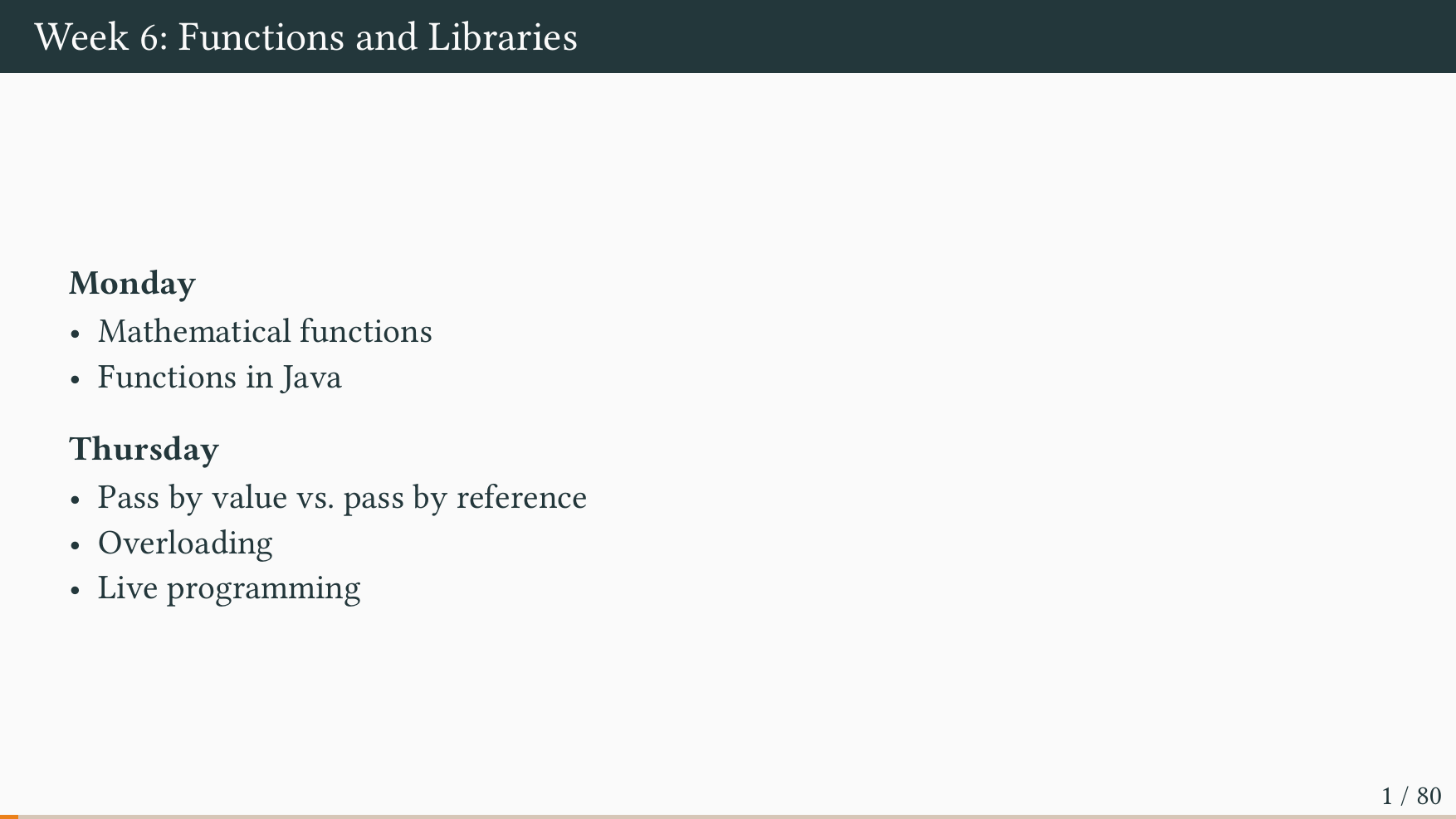
- Textbook: Chapter 2.1: Defining Functions [p. 192 to p. 217]
- Textbook: Chapter 2.2: Libraries and Clients [p. 226 to p. 255]
Slides
Exercises
- Exercise 2.1.1
- Exercise 2.1.2
- Exercise 2.1.3
- Exercise 2.1.12
- Exercise 2.1.16
- Exercise 2.1.19*
- Exercise 2.1.30*
- Exercise 2.2.7
- Exercise 2.2.10
- Exercise 2.2.15*
- Hint: Use
StdStats.plotBarsand/orStdStats.plotLines.
- Hint: Use
Week 7
Reading
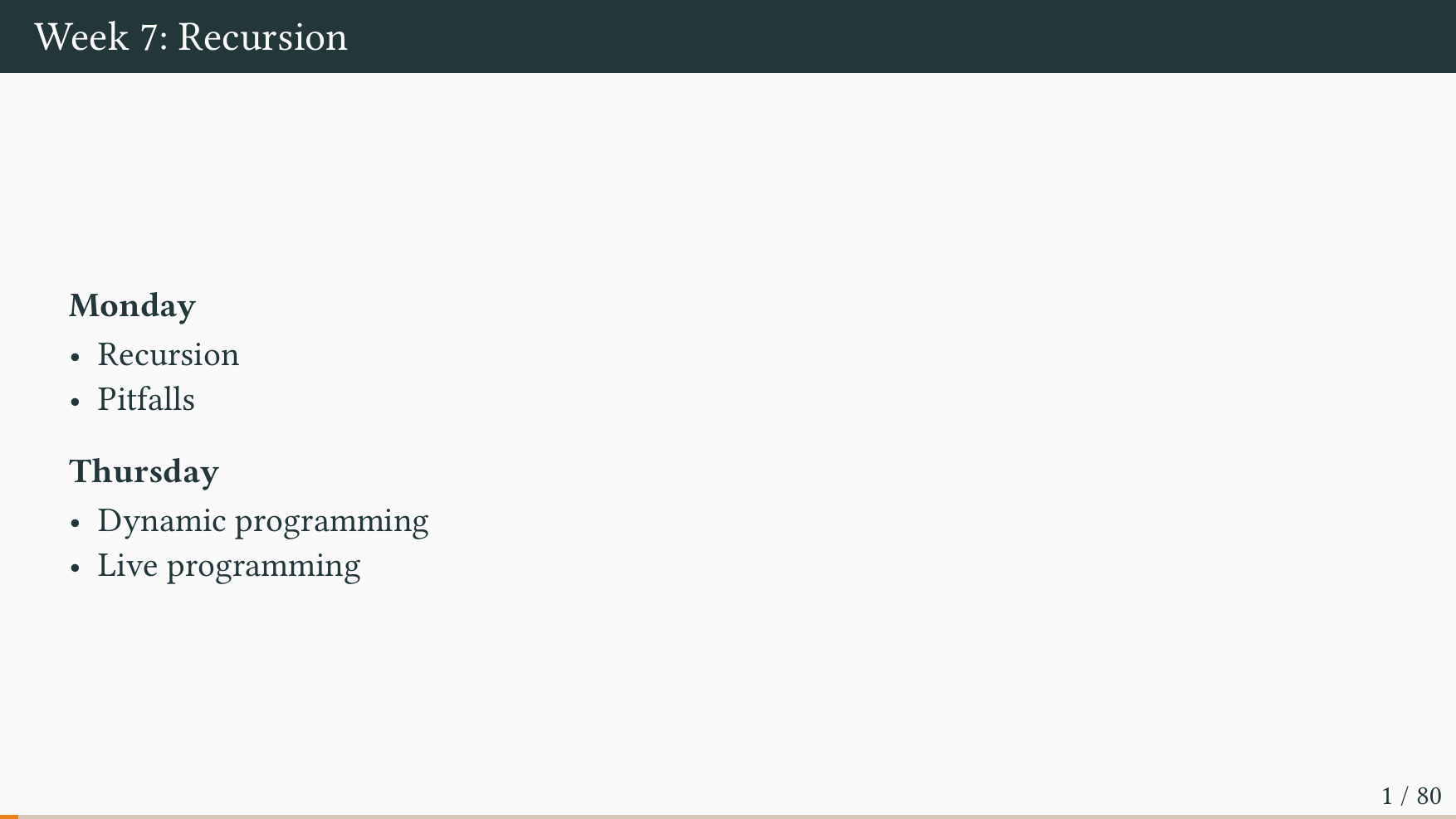
- Textbook: Chapter 2.3: Recursion [p. 262 to p. 299]
Slides
Exercises
- Exercise 2.3.1
- Exercise 2.3.3
- Exercise 2.3.4
- Exercise 2.3.14
- The point of this exercise is to explore the consequence of reordering the recursive calls.
- Exercise 2.3.22*
- Exercise 2.3.27*
- Exercise 2.3.29
- Exercise 2.3.38*
- You can skip the bottom-up dynamic programming part.
Week 9
Reading
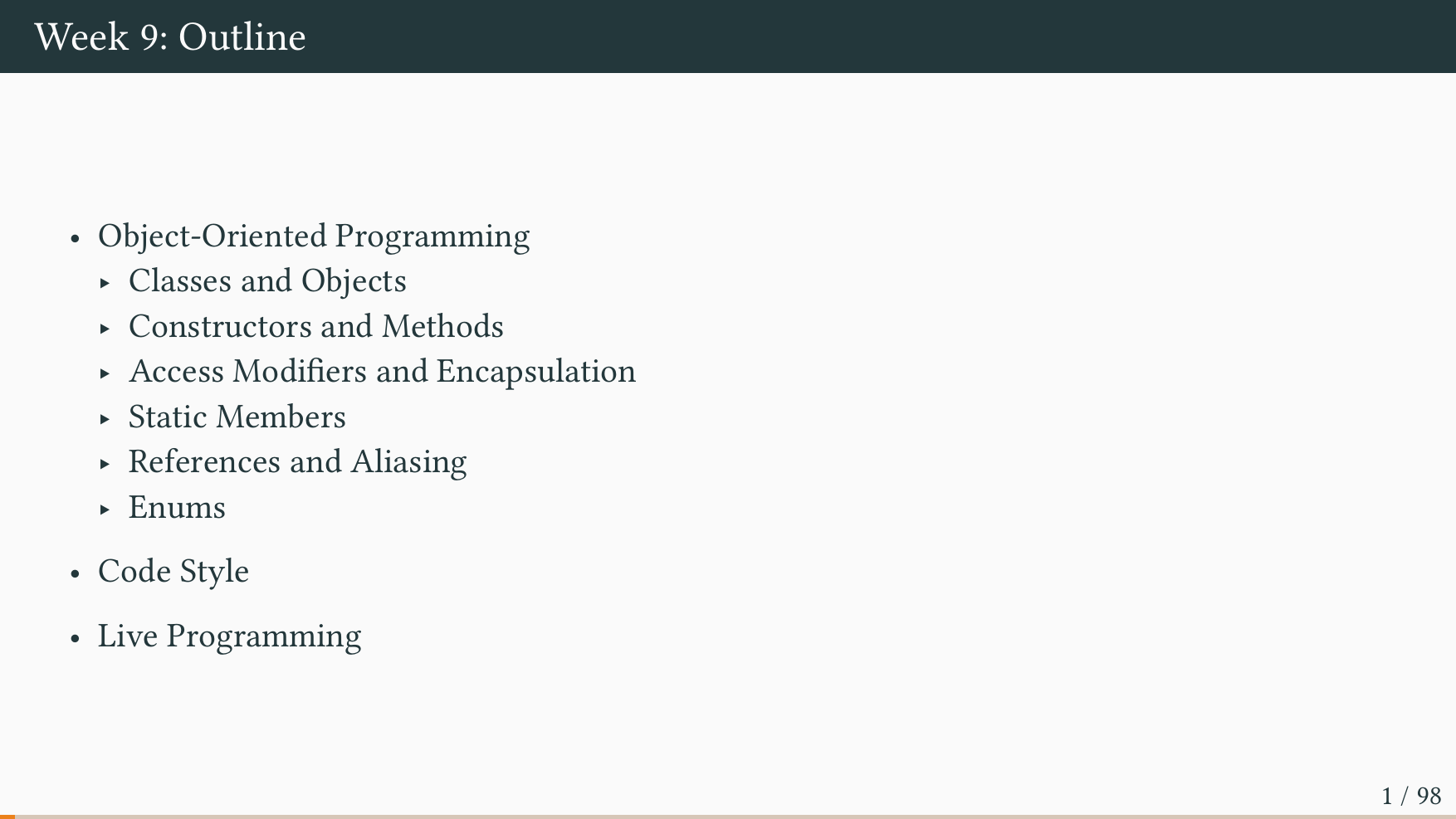
- Textbook: Chapter 3.1: Using Data Types [p. 329 to p. 380]
- Textbook: Chapter 3.2: Creating Data Types [p. 382 to p. 427]
- Objects, Classes, Interfaces, Packages, and Inheritance
- Classes and Objects
Slides
Exercises
- Exercise 3.1.5
- Exercise 3.1.6
- Exercise 3.1.26*
- You can use: https://www.flotvejr.dk/%C3%A5rhus/observations
- You may use city names instead of zip codes
- Note: Do not overcommit; we are expecting something simple.
- Exercise 3.2.1
- Exercise 3.2.4
- Exercise 3.2.8
- Exercise 3.2.10
- Exercise 3.2.11
- Exercise 3.2.12
NOTE: Additional Exercise 9.1 is mandatory!
NOTE: Additional Exercise 9.6 is mandatory!
Additional Exercises
Exercise 9.1 (Mandatory): Write a class Person to represent a person. The
class should have the following fields: String firstName, String lastName,
int age, and Person spouse. The spouse field is initially null.
Add two constructors:
Person(String first, String last)Person(String first, String last, int age)
Add getters and setters:
- Add getters for all fields.
- Add setters, but only for
lastNameandspouse.
Add a method void birthday() which increases the person’s age by one year.
Add a method boolean marry(Person that) which marries this person to that
person by updating the spouse fields and joining their last names. For
example: If Nathan Cole and Emily Parker are married, they become Nathan
Cole-Parker and Emily Cole-Parker.
- A person cannot be married until they are 18 years old.
- A person cannot be married if they are already married.
The method should return true if the marriage is successful.
Add a toString method that returns a String of the form Lucky Luke, 23, unmarried.
Add a main method to test your implementation.
Exercise 9.2: Write a class Duration to represent a time interval. The class
should have one field of type long that stores the duration in seconds.
Write two constructors:
Duration(int seconds)Duration(int hours, int minutes, int seconds)
Write methods to access the duration in different time units:
double getSeconds()double getMinutes()double getHours()double getDays()
Using the class, how many years is pi * 10^7 seconds?
Note: The methods must return doubles so that we can report a duration as
e.g. 1.3 years.
Exercise 9.3: Write a class GradeBook to represent a student’s grades. The
class should have fields String studentName, double averageGrade, and int gradeCount.
Add a constructor:
GradeBook(String name)- starts with 0 grades and average 0.0
Add a mutator method:
void addGrade(double grade)- adds a new grade and updates the average
Add an accessor method:
double getAverage()
Hint: The new average is: (old_average × count + new_grade) / (count + 1)
Exercise 9.4: Write a class TrafficLightController to manage a traffic
light.
Define an enum TrafficLight with values RED, YELLOW, and GREEN.
The TrafficLightController class should have one field:
TrafficLight currentLight- the current state of the light
Add a constructor:
TrafficLightController()- starts with RED light
Add a mutator method:
void next()- advances to the next light in sequence (RED → GREEN → YELLOW → RED)
Add a method:
String getInstruction()- returns “STOP” for RED, “GO” for GREEN, “PREPARE TO STOP” for YELLOW
Exercise 9.5: Write a class Book to represent a library book. The class should have fields String isbn, String title, String author, and boolean isCheckedOut.
Add a constructor:
Book(String isbn, String title, String author)- starts withisCheckedOutas false
Add methods:
boolean checkOut()- checks out the book if available, returns true on successboolean returnBook()- returns the book if checked out, returns true on successString toString()- returns a string like “The Great Gatsby by F. Scott Fitzgerald [Available]”
Write a class Library to manage a collection of books. The class should have fields Book[] books and int bookCount.
Add a constructor:
Library(int capacity)- creates an array with the given capacity
Add methods:
void addBook(Book book)- adds a book to the libraryboolean checkOut(String isbn)- finds and checks out the book with the given ISBNboolean returnBook(String isbn)- finds and returns the book with the given ISBNBook[] getAvailableBooks()- returns an array of books that are not checked out
Exercise 9.6 (Mandatory): A student was asked to solve the following exercise:
Write a class
ShoppingCartto represent a shopping cart in an online store. The class should store the cart owner’s name, an array of item names, an array of item prices, and track how many items are in the cart. Include a constructor, methods to add items, remove items, calculate the total price, and apply a discount.
The student wrote the following code:
class cart {
    public String n; // name, maybe unused?
    protected double total; //total price of items
    public String[] items; // this is the items

    public void add(String item, double p) {
        items[count] = item; prices[count] = p; count++;
        total = total + p;
        return;
    }

    // count how many items are in the shopping cart
    int size;

    cart(String n, int size) {
        n = n;
        this.size = this.size;
        //initialise the fields of the class.
        items = new String[100];
        prices = new double[100];
        items = new String[100];
    }

    // Getter method
    public double getTotal() { return total; }

    // count how many items are in the shopping bag
    public static int count = 0; // counter variable
    private double[] prices; //stores the cost

    public void remove(String x) {
        for(int i=0;i<count;i++){
    if(items[i].equals(x)){
        total=total-prices[i];
                for(int j=i;j<count-1;j++){
            items[j]=items[j+1];
            prices[j]=prices[j+1];
        }
                 count--;
        return;
            }}
    }

    public String discount(   double persent) {
        if (persent > 0) {
            total = (double) ((double) total - ((double) total * (double) persent));
            } else {
                total = total - (total * persent);
        } return null; }}
- What do you think of the code style?
- Do you find the comments helpful?
- Refactor the code such that it follows best practices.
Week 10
Reading
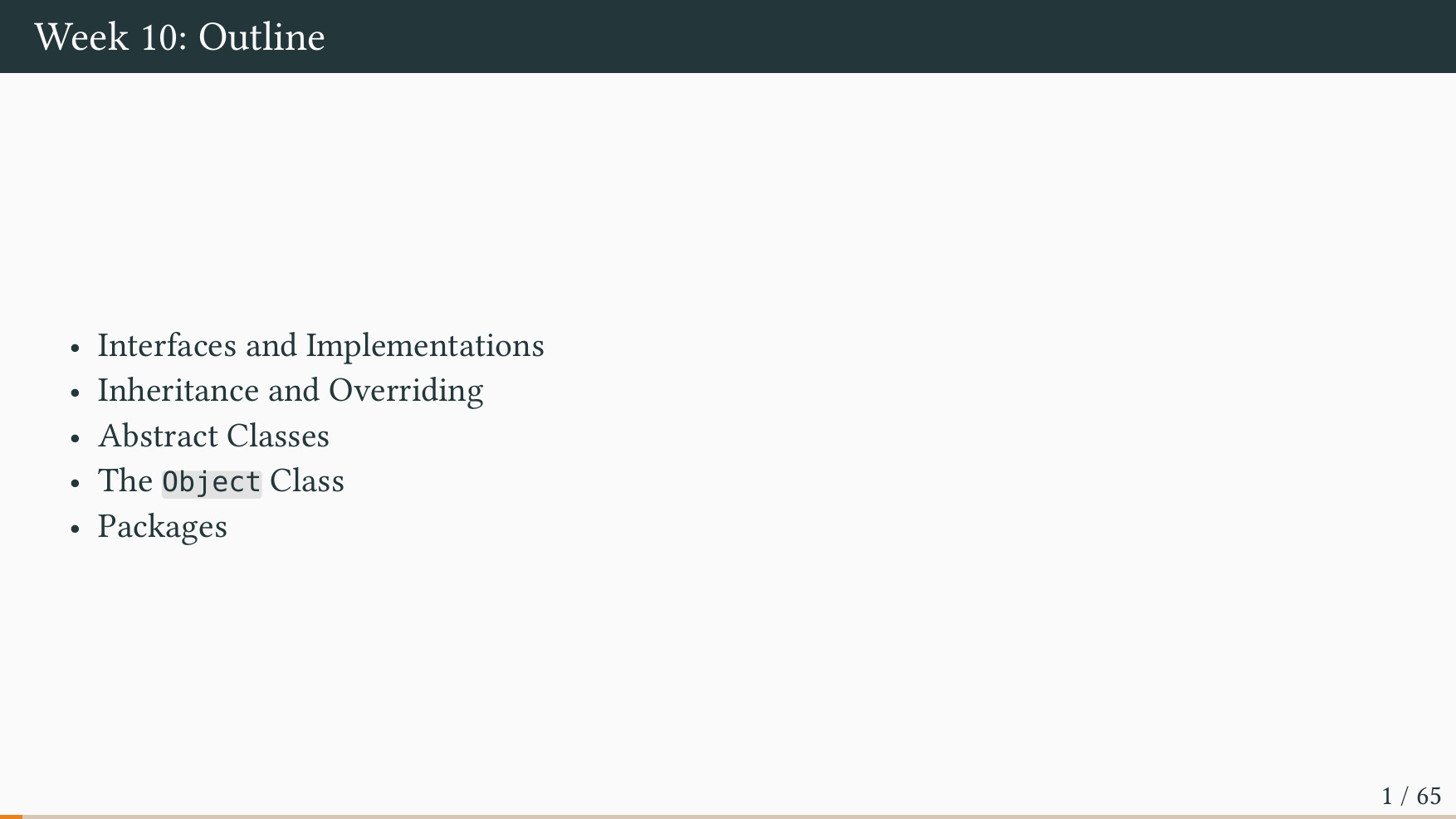
- Textbook: Chapter 3.3: Designing Data Types [p. 428 to p. 477]
- Interfaces
- Inheritance
- Packages
Slides
Exercises
Exercise 10.1: Explain, in your own words, the differences and similarities of interfaces, abstract classes, and classes.
Exercise 10.2: Explain, in your own words, the concept of inheritance.
Exercise 10.3: Write your own MutString class. The class should have a
single field which is an array of chars. Add a constructor which takes a single
String argument.
Add the following methods:
print()- Prints the array of chars to standard output.changeChar(int i, char c)- Converts the char at indexitoc.toLowerCase()- Converts all chars to lowercase.toUpperCase()- Converts all chars to uppercase.trim()- Removes leading and trailing whitespace.
Hint: You may assume that the characters are limited to ASCII (i.e. 0-9, a-z, A-Z).
Exercise 10.4: Write an interface to represent a fruit. A fruit has a color, a taste, and a calorie count. Write classes, which implement the interface, for the fruits: apple, banana, pear, and orange.
- Define a
Colorenum to represent different fruit colors (e.g.,RED,YELLOW,GREEN,ORANGE). - Define a
Tasteenum to represent different fruit tastes (e.g.,SWEET,SOUR,TART). - Define appropriate getter methods in the interface.
Exercise 10.5 (Mandatory): Write an interface to represent a spellchecker with a method
boolean isWord(String word) that returns true if the given word is spelled
correctly. Implement three classes for three different languages.
- Each language implementation should recognize at least three words.
- The spellchecker must correctly handle both uppercase and lowercase letters.
- Add a
mainmethod that takes two command-line arguments: a language name and a string. The program should split the string into words and print any misspelled words.
Exercise 10.6 (Mandatory): Write an interface to represent a vehicle with a method
int getRemainingRange() that returns the number of kilometers the vehicle can drive with its
current fuel. Implement two classes: a gasoline car and a hybrid car.
- The gasoline car should store the amount of fuel left and its mileage (km per liter).
- The hybrid car should store both the amount of gasoline and electric energy left, along with the mileage for running on gasoline and electricity.
- The hybrid car’s
getRemainingRange()method should compute the total range by considering both gasoline and energy. - Add an
int drive(int kms)method that simulates driving the specified distance, depletes the fuel accordingly, and returns the actual number of kilometers driven. For the hybrid car, electricity is used before gasoline. - Write a
mainmethod to test both vehicle implementations.
Exercise 10.7 (Mandatory): Write a class Person to represent a person with a name and an age.
Create two subclasses: Employee (which extends Person) and Manager (which extends Employee).
- The
Personclass should have a constructor that takes a name and an age. - The
Employeeclass should add a job title and a salary, with an appropriate constructor. - The
Managerclass should add a monthly bonus field, with an appropriate constructor. - Add appropriate getter methods for all fields in each class.
- Add a
getSalary()method. Make sureManagerclass takes the manager’s monthly bonus into account. - Write a
mainmethod to test the inheritance hierarchy by creating instances of each class.
Exercise 10.8: Write a class Student to represent a student with a student ID,
a first name, a last name, and a major.
- Add a constructor that takes all four fields as parameters.
- Add appropriate getter and setter methods for all fields.
- Override
equals()andhashCode()so that two students are equal if they have the same student ID.
Week 11
LECTURE FREE WEEK!
This week there are no lectures and no ordinary exercises.
Instead, you will use the week to work on large programming projects – the creative exercises from the book. Each of these exercises will take more time and challenge you more as a programmer.
In the T.A. sessions we will reserve time to discuss each exercise in detail: not how to solve it, but how to understand the problem and move towards a solution.
For the mandatory assignment, submit at least 3 of the creative exercises listed below:
Creative Exercises:
- Exercise 1.3.45 - Chaos
- Exercise 1.4.26 - Music Shuffle
- Exercise 1.4.30 - Rumors
- Exercise 1.4.36 - Random Walkers
- Exercise 1.5.27 - Visualizing Audio
- Exercise 1.5.32 - Draw Clock
Week 12
Reading
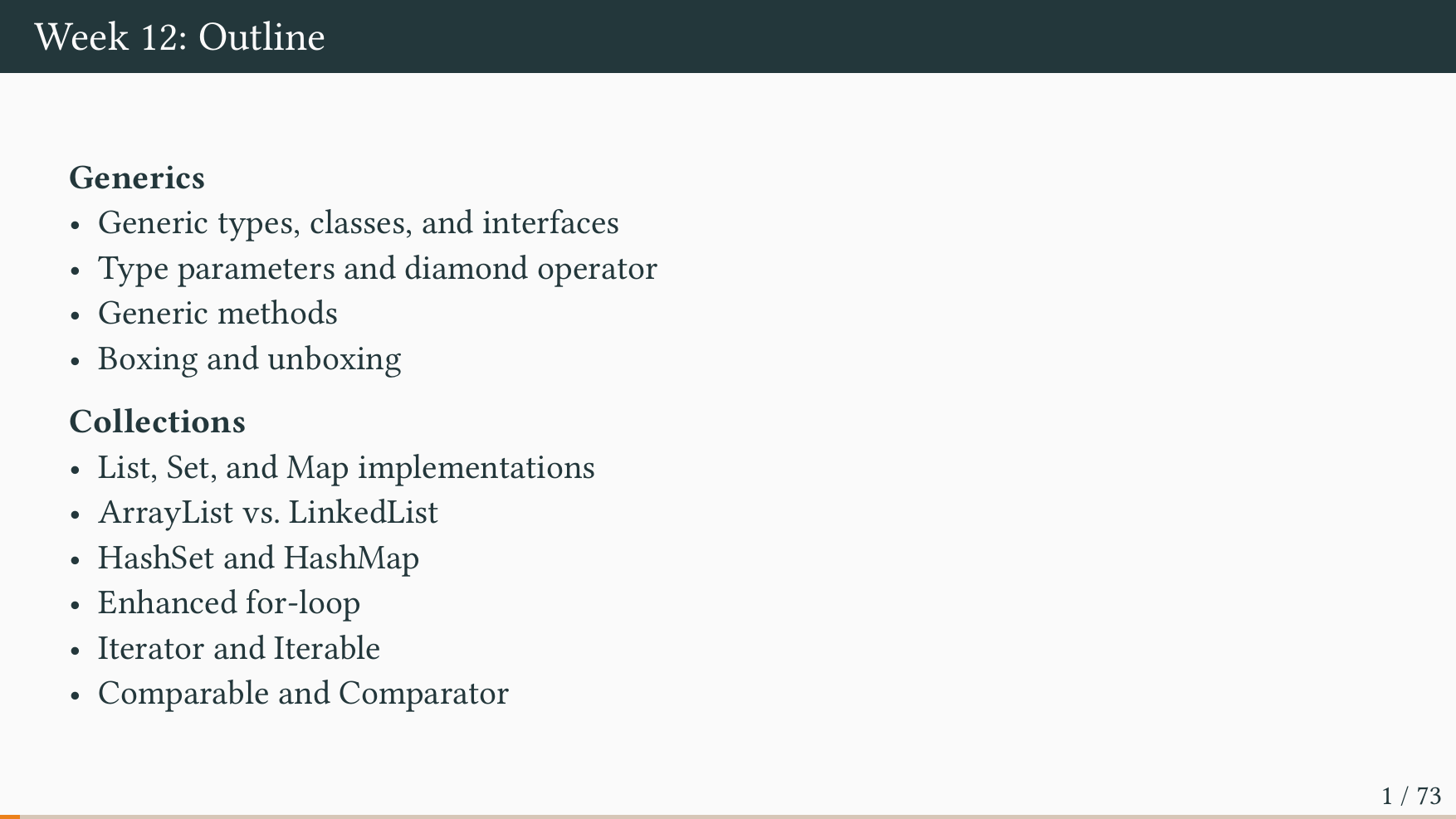
- Introducing Generics
- The Collection Framework
- Section 1: Storing Data Using the Collections Framework
- Section 2: Getting to Know the Collection Hierarchy
- Section 3: Storing Elements in a Collection
- Section 4: Iterating over the Elements of a Collection
- Section 5: Extending Collection with List
- Section 6: Extending Collection with Set, SortedSet and NavigableSet
- Section 8: Storing Elements in Stacks and Queues
- Section 9: Using Maps to Store Key Value Pairs
- Section 10: Managing the Content of a Map
- Section 14: Choosing the Right Implementation Between ArrayList and LinkedList
Slides
Exercises
Exercise 12.01: Explain, in your own words, the concept of polymorphism.
Exercise 12.02: Relate, in your own words, the concept of inheritance (subtype polymorphism) to the concept of generics (parametric polymorphism).
Hint: When would you use inheritance over generics and vice versa?
Exercise 12.03: Write a generic method select with a type parameter T
that takes two arguments x and y of type T and a boolean b, and returns
x if b is true and y otherwise.
Exercise 12.04: Write a generic method extract with a type parameter T
that takes an argument of type T[] and an argument of type T. The method
returns the first element of the array, if it is non-empty. Otherwise, it
returns the second argument.
Exercise 12.05: Write a generic method copy with a type parameter T
that takes two arguments of type T[] and copies the content of one array to
the other array.
Exercise 12.06: Write a generic method shuffle with a type parameter T
that takes an argument of type T[]. Permute the array using the following
algorithm: Repeatedly generate two random numbers i and j, where i and j must be
valid array indices, and then swap the entry i with the entry j. Perform this
operation n times where n is the length of the array.
Exercise 12.07 (Mandatory): Write a class Pair with two type parameters
A and B to represent an immutable pair of values (i.e. the class should have
two final fields of type A and B).
- Add an appropriate constructor and getter methods.
- Do not add any setters, as the class should be immutable.
- Add a method
swapto thePairclass. Theswapmethod should return a new pair where the first component becomes the second component and vice versa. For example, for the pair(true, 42)the method should return(42, true). - Add methods
withFstandwithSndto thePairclass. Each method should take a type parameterCand return a new pair where the appropriate component has been updated. For example, callingwithFstwith the integer 42 on the pair(true, "Hello World")should return(42, "Hello World").
Exercise 12.08 (Mandatory): Write a class Dict that takes two type
parameters K and V to represent a dictionary, i.e. a mapping from items of
type K to items of type V. Internally, the dictionary should maintain a
single array of pairs of type Pair<K, V>. Add the following methods:
V get(K key)returns the value associated with the given key, ornullif the key is not found.void put(K key, V value)updates the dictionary with a mapping from the key to the value. If the key already exists, its value is updated. Otherwise, a new pair is added.
You may assume the Dict can contain at most 100 entries.
Exercise 12.09: Explain, in your own words, the concept of an iterator.
Exercise 12.10: Explain, in your own words, the difference between the
Iterator<T> and Iterable<T> interfaces.
Exercise 12.11: Write a program that constructs a list with each of the
words: cuiusvis, hominis, est, errare, nullius, nisi, insipientis, in, errore, perseverare. Sort the list of words lexicographically and print the result to
the terminal.
Exercise 12.12: Write a class Concatenate with a type parameter T that
implements the Iterator<T> interface. The class should take two iterators
in its constructor and behave as an iterator that returns elements from the
first iterator until it is empty, and then returns elements from the second
iterator.
Exercise 12.13: Explain, in your own words, the interfaces Comparable<T>
and Comparator<T>.
Exercise 12.14: Write a Person class. A person has a first name, last
name, and an age. Implement the Comparable<T> interface for the Person
class. Persons should be ordered by first name, then last name, and finally by
age. Construct a list of persons and sort it. Print the resulting list.
Exercise 12.15: Create a comparator (a class that implements
Comparator<T>) for the Person class. The comparator should order persons by
age, then by last name, and finally by first name. Construct a list of persons
and sort it. Print the resulting list.
Exercise 12.16 (Mandatory): Write a class, which takes one type parameter
E, to represent a multiset. A multiset is a set that counts how many times it
contains each of its elements. Add the following methods:
int count(E e)returns the number of times the elementeoccurs in the multiset.void add(E e)adds the elementeto the multiset. (Adding increments its count.)void remove(E e)removes the elementefrom the multiset. (Removing decrements its count.)int size()returns the number of different elements in the set (non-duplicate count).
An element can never occur a negative number of times in a multiset.
Hint: Use an internal map of type Map<E, Integer>.
Exercise 12.17: Write a class, which takes two type parameters K and V,
to represent a multimap. A multimap is a map from keys to sets of values. Add
the following methods:
Set<V> get(K k)returns the set of values thatkis mapped to, or the empty set if none.void put(K k, V v)adds the valuevto the set of valueskis mapped to.Set<V> values()returns the set of all values in the multimap.
Hint: Use an internal map of type Map<K, Set<V>>.
Exercise 12.18: Write a class, which takes two type parameters A and B,
to represent a bidirectional map. A bidirectional map is a one-to-one
correspondence between two sets. Add the following methods:
B getForward(A a)returns the element thatais mapped to.A getBackward(B b)returns the element thatbis mapped to.void put(A a, B b)creates a mapping betweenaandb(and vice versa). If any mappings already exist foraorb, they are removed.
Hint: Use two internal maps of type Map<A, B> and Map<B, A>.
Week 13
Reading
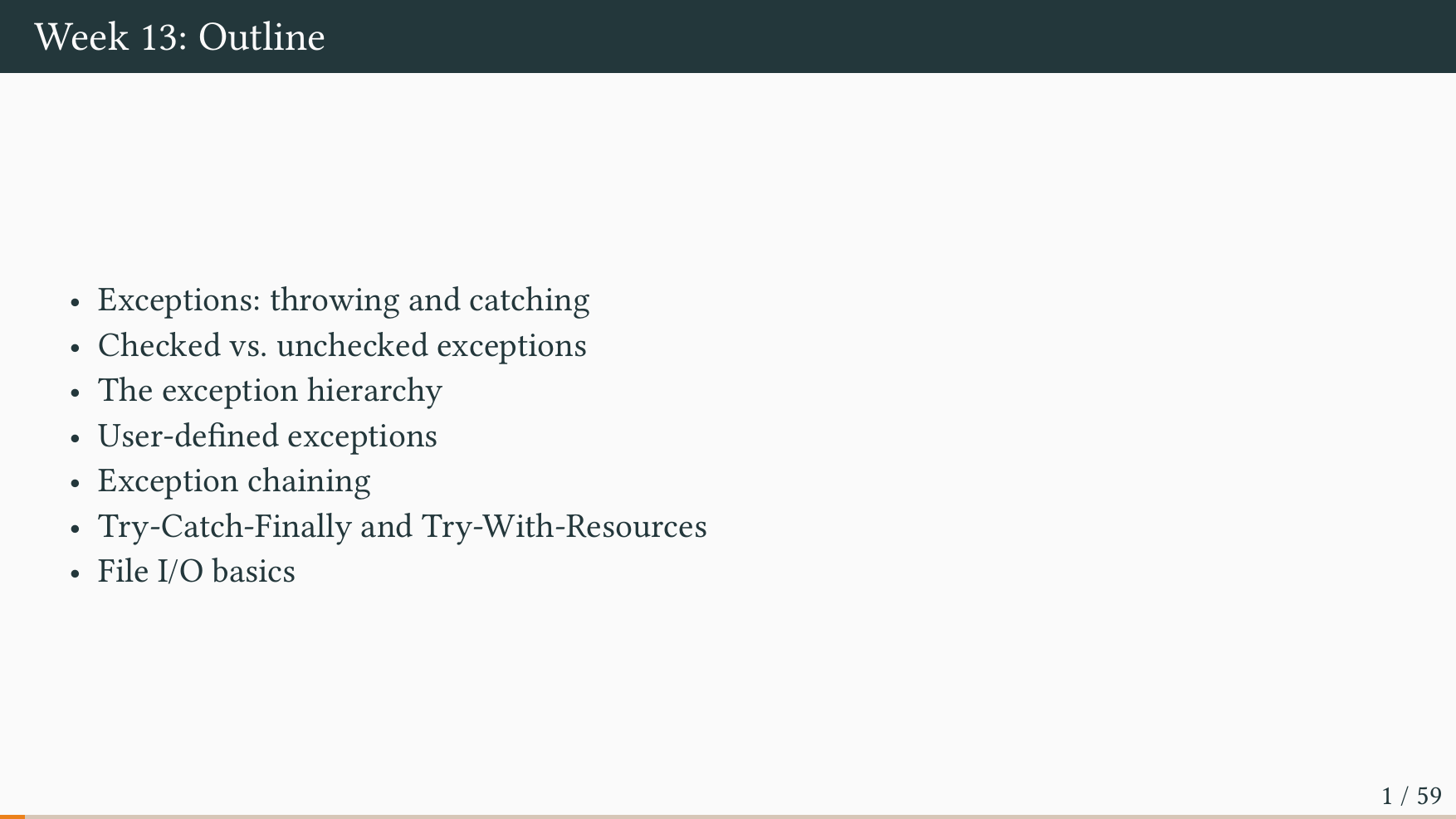
- Section 1: What Is an Exception?
- Section 2: Catching and Handling Exceptions
- Section 3: Throwing Exceptions
- Section 4: Unchecked Exceptions — The Controversy
Slides
Exercises
Exercise 13.01 (Mandatory): Explain – in your own words – what an exception is.
Exercise 13.02: Explain – in your own words – what a throw statement does.
What does a try-catch statement do? Can you have one without the other?
Exercise 13.03: Explain – in your own words – what the difference is between
a try-catch and a try-catch-finally statement.
Exercise 13.04: Explain – in your own words – what the difference is between a checked and an unchecked exception. When would you use one or the other?
Exercise 13.05 (Mandatory): For each of the following exceptions, mark whether it is checked or unchecked:
NullPointerExceptionIOExceptionIllegalArgumentExceptionArrayIndexOutOfBoundsExceptionNumberFormatExceptionConcurrentModificationExceptionInterruptedException
How many of these have you experienced?
Exercise 13.06: Write a class to represent a bank account. An account has a
balance. Add deposit and withdraw methods. The balance of the account must
always be non-negative. Write a class InsufficientFundsException, which
extends RuntimeException, and throw this exception if a withdrawal would make
the balance negative.
Exercise 13.07 (Mandatory): Write a class to represent a gearbox with five
gears and a gear for reverse. Add a method changeGear(int gear) to change the
current gear. The method must throw IllegalArgumentException if the gear is
not one of -1, 1, 2, 3, 4, or 5. Here reverse is represented as
-1. Write a class IllegalGearChangeException, which extends
RuntimeException, and throw this exception: (a) when switching from any gear
other than the first gear into reverse (and vice versa), and (b) when skipping
one or more gears. For example, it is illegal to switch directly from the first
gear to the third gear. It is also not allowed to switch directly from reverse
to the fourth gear.
Exercise 13.08: Write a class to represent a digital display (use Google
images for examples) with four digits. Add a method getDigit(int i) to return
the value of the ith digit. Add a method setDigit(int i, int v) to change
the value of the ith digit to v. Add two exception classes,
NoSuchDigitException and IllegalDigitException, and throw these when
appropriate.
Exercise 13.09 (Mandatory): Write a class to represent a printer from
hell. The class should have a single method print(). Whenever this method is
called, the printer randomly throws one of the following exceptions:
OutOfPaperException, OutOfTonerException, PaperJamException. Write classes
for these exceptions. Write a main method, which calls print(), catches any
exception, prompts the user to take action (e.g. “replace toner”), waits for
confirmation from the user, and then calls print() again. Bonus points for
infuriating or vaguely worded instructions.
Exercise 13.10: Write a class to represent a car. Add methods to (a) press the clutch, (b) release the clutch, (c) turn on the ignition, (d) turn off the ignition, (e) pull the handbrake, and (f) release the handbrake. To correctly turn on the car, the following steps should be taken in order: (1) press the clutch, (2) turn on the ignition, (3) release the handbrake, and (4) release the clutch. Add appropriate exceptions and throw these if the car is operated incorrectly.
Exercise 13.11: Write a class to represent a dishwasher. A dishwasher contains a number of glasses and plates. Add methods to open and close the dishwasher door, to turn on the dishwasher, and to select the program (eco-friendly, intense, etc.). Add methods to insert and remove glasses/plates from the dishwasher. Add appropriate exceptions and throw these to ensure that: (a) glasses and plates can only be removed when the dishwasher is open, (b) the dishwasher cannot be opened when it has been turned on, and (c) a program must be selected before the dishwasher can be turned on.
Exercise 13.12: Write classes to represent
a faucet, a bucket, and a water stream.
A bucket is either full or empty.
A water stream has a source (its faucet).
Add methods to turn the faucet on and off.
When a faucet is turned on, it yields a new water stream.
A water stream can be used to fill multiple buckets when active.
Add a method to the bucket to fill it.
If the bucket is already full, throw an appropriate exception.
Use AutoCloseable to ensure that the faucet is always turned off,
even when there is an exception.
Write a main method using try-with-resources
that demonstrates the faucet turning off automatically.
(Hint: compare this with files and FileInputStream.)
Exercise 13.13: Write a program to represent a library network. A library network has two libraries, a library has two shelves, and a shelf has two books. A book has an ISBN, a name, and a checked-out status. Add a method to the library network, the library, and the shelf to check out a book and return its ISBN. If the book is not present, throw an exception to indicate the missing book. If the book is checked out already, throw an exception to indicate this. Remember that a book might be available at a different library. Write a main method constructing a library network and demonstrating what happens when: (a) we successfully check out a book (b) we successfully check out two different copies of the same book (c) we fail to check out a book because all copies are checked out (d) we fail to check out a book because it is not present in any library.
Week 14
Reading
Mandatory:
Additional Material (Optional)
Slides
Exercises
Exercise 14.01: Explain, in your own words, the concepts of a stage and a scene.
Exercise 14.02: Explain, in your own words, the role of the Application
class in JavaFX.
Exercise 14.03: Write an application that has a window with the title Hello World!, and a width and height of 800 by 600 pixels.
Exercise 14.04: Experiment with the following methods on the Stage class:
setOpacity, setAlwaysOnTop, setFullScreen, setMinWidth, and
setMaxWidth. Do these methods behave as you would expect? If not, try to find
out why.
Exercise 14.05: Experiment with the following methods on the Scene class:
setCursor and setFill. Add event handlers with setOnMouseClicked and
setOnKeyPressed. The event handlers should print some text to the terminal.
Exercise 14.06: Write an application with a single button with the text
Click Me! When the button is clicked, change its text to You Clicked! and
disable the button.
Exercise 14.07: Write an application with a label and a button inside a
horizontal box. When the button is clicked, change the text of the label to You Clicked!
Exercise 14.08: Write an application with ten buttons numbered from 0 to 9 (similar to the dialpad on a mobile phone). Lay out the buttons using either horizontal and vertical boxes, or using a grid.
Exercise 14.09: Write an application with a text field and a button. When the button is clicked, the text in the text field should be capitalized.
Exercise 14.10: Write an application with a button. When the button is
clicked, show an alert with the text You clicked the button!
Exercise 14.11: Write an application with a text field and a password field. Add a button that, when clicked, checks whether the username and password are correct.
Exercise 14.12: Write an application with three radio buttons labeled Red,
Green, and Blue. When a radio button is selected, change the background color
of the scene to the corresponding color.
Exercise 14.13: Write an application with a progress bar and a button. Each
time the button is clicked, increase the progress bar by 10%. When it reaches
100%, display an alert saying Task Complete! and reset the progress bar to 0.
Exercise 14.14: Write an application with a large text area and two labels.
One label should display Words: X and the other should display Characters: Y, where X and Y are the counts of words and characters in the text area. The
labels should update automatically as the user types.
Assignment
Write a graphical user interface for a simple calculator application.
Here are some steps to get started:
- Add a label to show the currently entered number.
- Use horizontal and vertical boxes, or a grid, to construct a layout of buttons numbered from 0 to 9.
- Add buttons for addition, subtraction, multiplication, and division.
The calculator should work as follows: You press “5”, it shows up in the display, then you press “+”, and then you press “7” and it becomes “12”.
Hint: Experiment with the calculator on your system to discover how it works.
Here are some optional extensions to consider:
- (optional) Style the label to make the result bigger.
- (optional) Style the digit buttons so they are bigger.
- (optional) Add an event handler such that the user can press the keys 0 to 9 on the keyboard with the same effect as using the buttons.
- (optional) Add a try-catch block to detect division by zero and show an appropriate alert message.
- (optional) Add an event handler such that the escape key resets the calculator.
Week 15
Reading
- Section 1: Processing Data in Memory Using the Stream API
- Section 2: Adding Intermediate Operations on a Stream
- Section 5: Adding a Terminal Operation on a Stream
- Section 10: Using Optionals
Slides
Assignment
The assignment for this week consists of a series of questions designed to emulate the style of the two-hour written exam. However, the scope, difficulty, and length of these questions may not reflect those of the actual exam.
While the assignment can be easily completed using online resources, lecture slides, and the textbook, I recommend attempting it under exam-like conditions for the most authentic experience: work alone, without any reference materials.
Question 1
Write seven Java keywords.Question 2
What is a class file?Question 3
What is double buffering?Question 4
Write the Java comparison operators.Question 5
- Write an expression that causes an
ArithmeticException. - Write an expression that evaluates to
NaN.
Question 6
Write a Java program that causes the compiler error:incompatible types: possible lossy conversion from long to int
Question 7
In the context of `StdDraw`, what do `setXscale` and `setYscale` do?Question 8
Given:static double compoundInterest(double principal, double rate, int years) {
return principal * Math.pow(1 + rate, years);
}
Identify:
- the method signature.
- the method name.
- the formal parameters.
- the return type.
- the method body.
Question 9
Given the program:public class Main {
public static void main(String[] args) {
System.out.print("Hello");
System.out.println("World!");
}
}
What is printed if you run:
$ javac Main.java
$ java Main.class
Question 10
Write a program that takes an integer `n` and prints the first `n` digits of pi:$ java Pi 1
3
$ java Pi 3
3.14
- Hint: You may use
Math.PI - Hint: You may assume
nis less than 10.
Question 11
Rewrite the code below using while-loop(s):for (int i = 0, j = 10; i < j; i++, j--) {
System.out.println(i + " " + j);
}
Question 12
Are all variables within scope?int sum = 0;
int i = 0;
while (i < 10) {
int tmp = 0;
if (i % 2 == 0){
for (int j = 0; j < 10; j += 2){
tmp -= j;}} else {
for (int j = 0; j < 10; j += 2){
tmp += j; }}
sum += tmp * j; i++; }
Exam
Formalities
From the course description, the exam consists of two parts:
Part A: An individual take-home programming project. The exam is open-book, i.e. students may use all materials available except Generative AI. Students may discuss the project with each other, but may not share any source code.
Part B: An individual written exam. The exam is closed-book, i.e. students may not use any materials. The scope of the written exam is the entire course syllabus plus the take-home programming project.
The two parts take place at different times and places.
❗ Part B must be completed on a laptop using the WiseFlow “lockdown” browser. Please ensure the software is installed and working before the exam, and don’t forget to bring your laptop.
Previous Exams
Previous exam projects and written exams are available here:
| Year | Exam Project | Written Exam |
|---|---|---|
| 2025 | Project 2025 | Written 2025 |
Re-exam
If you received a grade of -3 or 00 in the ordinary exam—i.e., for the exam
project and the written exam—then you have failed the course. If you fail the
course, you must take the re-exam.
The re-exam consists of a 15-minute oral examination on one of the topics listed below.
Note: Neither the exam project nor the written exam has any impact on the grading of the re-exam. The re-exam is graded solely on the 15-minute oral examination.
The re-exam works as follows:
- You wait outside the examination room.
- When it is your turn, you enter the room without any materials (no textbook or notes).
- You randomly draw one of the topics listed below.
- You immediately present the topic for 6–7 minutes.
- The examiner and censor then ask questions for 6–7 minutes.
- When the time is up, the examination ends.
- You leave the room while the examiner and censor decide on a grade.
- You re-enter the room and receive your grade along with brief feedback.
Topics
- Conditionals and Loops
- Arrays
- Functions and Recursion
- Classes and Objects
- Interfaces and Inheritance
- Generics and Collections
❗ This is a programming course. The examiner and censor expect to see correct Java code on the whiteboard.
❗ The re-exam is NOT about the project. The re-exam is about the course syllabus.
Technical Help
Install an OpenJDK via Adoptium
- Go to the Adoptium Website: Open your web browser and navigate to the official Eclipse Temurin download page
- Select the Version:
- Operating System: Choose your OS (Windows, macOS, Linux).
- Architecture: Select your system architecture (usually x64).
- Package Type: Choose JDK (Java Development Kit), which includes the JRE (Java Runtime Environment) plus development tools like the compiler (javac).
- Version: Select “21 - LTS”.
- Download: Click the download button for the appropriate installer or archive file based on your OS (see specific instructions below).
Compile and Run a Java Program
- Find your program: Open your terminal and navigate to where your program is saved.
- Compile: Run
javac
$ javac MyProgram.java
- Run: Use
javawith your program name and any arguments (no.classsuffix!)
$ java MyProgram arg1 arg2 arg3
Install IntelliJ IDEA Ultimate
- Go to the JetBrains Website: Open your web browser and navigate to the official JetBrains IntelliJ IDEA download page
- Download and Install: Download and install IDEA.
- Create an Account: Open your web browser and navigate to JetBrains Account and create an account using your university email.
Create a New Java Project
- Launch IntelliJ
- Click New Project
- Configure the project
- Select language Java
- Give your project a name
- Give your project a location to save
- Select build system IntelliJ
- Select JDK version 21 (Here you should choose the Eclipse Temurin JDK you downloaded previously)
- Click Create
- Create a file
- Right-click the src directory → New → Java Class
- Name your class
- Start programming!
Get JetBrains Educational Pack License
-
After creating a JetBrains Account with your university email, request a JetBrains Student Pack here
-
After it is approved, click on Unlock Ultimate on the top right corner of IntelliJ.
-
Click Manage Your Subscription
-
Your educational subscription should appear under your JetBrains Account. Click Activate
-
In the future, you can manage your subscriptions by clicking Help on the top control bar, then Manage Subscriptions
Issues with Reading Files on Windows
We can read the contents of a file and pass it as input to a Java program as shown below:
However, the same commands might not work on a Windows machine using the terminal in IntelliJ:
This is because the terminal in IntelliJ uses PowerShell by default, and the character < is a reserved character for “future use”.
You can get around this in one of two ways. One way is to simply write the command cmd, which changes the terminal to cmd instead of PowerShell. The other way is to directly open the terminal in cmd mode, which can be done like this:
If you really want to use PowerShell, you can use the command gc to get the contents of a file. You can then pipe it into another program. It would then look like this:
Programming Café
The programming café is open to new students with little or no prior experience in programming. It runs twice a week in the afternoon and evening; each student attends one three-hour session, which will consist of live code-along and group programming exercises. TAs will be there to help with these exercises.
What the Programming Café is
- An entirely optional opportunity to get a bit more experience with writing code in Java.
- A space with an informal atmosphere and with plenty of opportunities to ask questions.
- An event which in principle is completely separate from the Introduction to Programming course (although we try to match the weekly topics of the café with the weekly topics of the course).
What the Programming Café is not
- It is not a study café. The TAs here will not help with exercises or assignments for the Introduction to Programming course. You can get help with this at the actual study café.
- It is not a course. There will be no homework, no assignments, no curriculum, and no exam. You just show up and take part for the three hours — that’s it.
- It is not mandatory.
Don’t feel obligated to show up if you don’t gain much from it. And don’t feel like you’re missing out if you do not attend. The café covers a strict subset of the Introduction to Programming course, meaning it will contain no new material. You will just get a bit more hands-on practice with programming.
When and where is it?
It will run twice a week, and each student attending the café will be assigned one of the following timeslots:
Time:
- Monday 16-19
- Wednesday 14-17
Location: 5522-115
Remark: The programming café will start in teaching week 2. That is, the first Monday and Wednesday on which the café runs are the 31st of August and the 2nd of September.
And finally, there will be cake! 🍰
Activities
Printable sheets and Java programs for exercise sessions. See the Activity Overview for a description of each activity format (how to play, timing, group size).
Week 1 — Your First Program
Week 2 — Basic Java Types
| Mentimeter Quiz | Web |
| Mentimeter Quiz Overview | |
| Parsons Problems | |
| Parsons Answer Key | PDF — TA only |
| VendingMachine.java | Java |
| PizzaParty.java | Java |
Week 3 — Conditionals and Loops
Week 4 — Arrays
Week 5 — Input and Output
| Parsons Problems | |
| Parsons Answer Key | PDF — TA only |
| Jeopardy (interactive board) | HTML |
| DoubleNumbers.java | Java |
| Circle.java | Java |
| GenerateNumbers.java | Java |
Week 6 — Functions and Libraries
| Mentimeter Quiz | Web |
| Mentimeter Quiz Overview | |
| Parsons Problems | |
| Parsons Answer Key | PDF — TA only |
| Countdown.java | Java |
| CubeNumber.java | Java |
Week 7 — Recursion
| Parsons Problems | |
| Parsons Answer Key | PDF — TA only |
| Jeopardy (interactive board) | HTML |
| ReverseString.java | Java |
| IsPalindrome.java | Java |
Week 9 — Using and Creating Data Types
Week 10 — Designing Data Types
| Parsons Problems | |
| Parsons Answer Key | PDF — TA only |
| Jeopardy (interactive board) | HTML |
| Drum.java | Java |
| Wizard.java | Java |
Week 11 — Project Week (Cumulative Review)
Week 12 — Generics and Collections
| Code Golf | |
| Code Golf Answer Key | PDF — TA only |
| Mentimeter Quiz | Web |
| Mentimeter Quiz Overview | |
| Baseline.java | Java |
Week 13 — Exceptions and File I/O
| Parsons Problems | |
| Parsons Answer Key | PDF — TA only |
| Mentimeter Quiz | Web |
| Mentimeter Quiz Overview | |
| Wardrobe.java | Java |
| WardrobeDemo.java | Java |
| Calculator.java | Java |
| CalculatorDemo.java | Java |
Week 14 — JavaFX
Week 15 — Modern Java
Activity Overview
This document describes the in-class activities used in exercise sessions:
- Memory Cards
- Multiple-Choice Quiz (Mentimeter)
- Parsons Problem
- Jeopardy
- Code Golf
- Instruction Budgeting
Memory Cards
Format: Small groups | Time: ~15 minutes | Group size: 2–4 students
Description
Students are given a set of face-down cards. Each card belongs to a pair: one blue card contains an item (a code expression, term, or fun fact) and one amber card contains its matching description, value, or answer. Students take turns flipping two cards at a time, trying to find matching pairs. The student with the most pairs at the end wins.
How to Play
- Shuffle the cards and lay them all face down in a grid.
- On their turn, a student flips any two cards face up.
- If the cards match (item + description), the student keeps the pair and goes again.
- If they do not match, both cards are turned face down and play passes to the left.
- The game ends when all pairs have been found. The student with the most pairs wins.
Example Card Pairs
| Item | Description |
|---|---|
| Compiler | A program that translates a high-level language program into a low-level language program |
a[0] | First element of a |
a.length | Number of elements in a |
Arrays.sort(a) | Sorts the elements of a |
| 23 people | 50% chance two people in a room share a birthday |
"Hi" + 3 | "Hi3" |
Practicals
The cards are printed on A4 paper with 4 cards per paper. This allows for cutting a stack of paper with two cuts to get the cards for a single game
Multiple-Choice Quiz (Mentimeter)
Format: Full class | Time: ~15 minutes | Group size: Individual
Description
An online, competitive quiz where students answer multiple-choice questions using their phones. Correct answers earn points, and faster answers earn more points. A leaderboard is shown between each question. The TA acts as host, presenting questions and discussing the answers after each round.
How to Play
- The TA opens the quiz and shares the game PIN on the projector.
- Students join by scanning the QR code on the projector (or typing in code).
- The TA starts the quiz. Each question has a timer (e.g. 20–30 seconds).
- After each question, the TA briefly explains the correct answer before moving on.
Example Questions
“What does this program print?”
int x = 3;
x = x + 2;
System.out.println(x);
- A)
3 - B)
5✓ - C)
x + 2 - D) Nothing — it doesn’t compile
“Which of the following is a valid variable declaration in Java?”
- A)
int 3x = 5; - B)
x int = 5; - C)
int x = 5;✓ - D)
x = 5 int;
Accessing the Mentimeter Quizzes
All the quizzes are accessible in this Mentimeter Workspace. Accessing the workspace requires that you make a Mentimeter account using your AU mail (auXXXXXX@uni.au.dk). If you have any issues accessing the Mentimeter workspace, please contact the Head TA.
Parsons Problem
Format: Small groups | Time: ~15 minutes | Group size: 2–4 students
Description
Students receive a set of code slips — individual lines or blocks of Java code — and must arrange them into a program that satisfies a given specification. The activity trains students to reason about code structure and control flow without the cognitive load of writing syntax from scratch.
Some slips may be distractors (plausible-looking but incorrect lines) to increase the challenge.
How to Play
- Each group receives a shuffled set of code slips.
- Read the specification aloud and display it on the screen/on the whiteboard.
- Groups arrange the slips until they believe they have a correct solution.
- Once done, groups can compare with a neighbour before the TA reveals the answer.
Example
Specification: Rearrange the slips to form a program that prints the factorial of n.
Slips (shuffled):
}
return answer;
int answer = 1;
System.out.println(mystery(5));   // distractor
for (int i = 1; i <= n; i++) {
answer = answer * i;
public static int factorial(int n) {
}
Solution:
public static int factorial(int n) {
    int answer = 1;
    for (int i = 1; i <= n; i++) {
        answer = answer * i;
    }
    return answer;
}
Practicals
The problems are printed on A4 paper with dotted line between each slip. To minimise cutting, stack papers containing the same problem and cut along the dotted lines of the top-most paper.
Jeopardy
Format: Full class (teams) | Time: 20–30 minutes | Group size: 3–5 students per team
Description
A classic Jeopardy-style game where the TA presents a clue and students must respond in the form of a question. Categories correspond to course topics. Teams buzz in to answer; correct answers earn points and incorrect answers may cost points. The TA acts as host and judge.
Each week’s board is an interactive HTML page (jeopardy.html) that the TA
runs on the projector — see Interactive Board below.
How to Play
- Split the class into teams of 3–5 students; teams stay fixed for the duration of the game.
- The TA displays the board on the projector and adds the teams (team names are supported).
- Pick a team to start the game (for instance the first one listed).
- The team chooses a category and point value.
- The TA clicks on the corresponding cell and reads the displayed clue aloud.
- Teams buzz in (e.g. raising a hand, or making a distinct sound) as soon as they know the answer. The TA calls on whichever team buzzed first.
- The called team must respond in the form of a question within 5 seconds (e.g. “What is
int?”). The TA judges the response:- Correct: the team earns the clue’s points and picks the next category/value.
- Incorrect or no answer: the team loses the clue’s points (optional — the TA may skip penalties for a friendlier game) and the next team may attempt the same clue, buzzing in again.
- Once a clue has been answered (correctly or given up on), it is marked used and cannot be picked again. Play continues until every clue on the board has been used.
- The team with the highest score at the end wins.
Board Layout (Example)
| Category → | Data types | Control flow | Methods | OOP | Tracing |
|---|---|---|---|---|---|
| 100 pts | ★ | ★ | ★ | ★ | ★ |
| 200 pts | ★★ | ★★ | ★★ | ★★ | ★★ |
| 300 pts | ★★★ | ★★★ | ★★★ | ★★★ | ★★★ |
Example Clues
| Points | Clue | Expected question |
|---|---|---|
| 100 | Both positive and negative whole numbers have this type. | What is int? |
| 200 | These kinds of methods do not belong to an object. | What are static methods? |
| 200 | This keyword immediately exits a loop. | What is break? |
| 300 | When a method calls itself, it is using this technique. | What is recursion? |
| 300 | This OOP principle hides internal state and requires access through methods. | What is encapsulation? |
Interactive Board
The TA opens activities/weekN/jeopardy.html in a browser on the projector
laptop. Only the TA interacts with it — students just watch and call out
answers.
- Click a
$100/$200/$300cell to reveal its clue. Click “Show answer” if you want to display the answer text as well. - Click a team’s ✓ or ✗ button to award or deduct that clue’s points once you’ve judged the team’s spoken answer, or “Skip / no score” to move on without scoring. “↩ Put back” un-reveals a cell opened by mistake.
- The scoreboard at the bottom is always visible; team names are editable in place and teams can be added/removed with the buttons there.
- Progress and scores are saved in the browser’s local storage, so an accidental page refresh does not lose the game. Use the ⚙ Settings menu to reset scores or the whole board between classes.
- Works fully offline once the page is loaded — no server or internet connection is required during class.
Code Golf
Format: Individual or pairs | Time: 20–30 minutes | Group size: 1–2 students
Description
Students are given a programming specification and must implement it in as few characters as possible. Points are awarded inversely to character count: the shortest correct solution wins. The challenge pushes students to explore language features creatively and think about different ways to express the same logic.
How to Play
- The TA presents the specification on projector/whiteboard.
- Students have 15–20 minutes to write and refine their solution.
- Students report their solution’s character count (found with e.g.
wc -m); how solutions are collected is up to the TA - The shortest correct solutions are shown and discussed.
Example
Specification: Write a Java method that returns the factorial of n. Smaller is better.
A starting baseline (verbose):
public static int factorial(int n) {
    int result = 1;
    for (int i = 1; i <= n; i++) {
        result = result * i;
    }
    return result;
}
A golfer’s attempt:
static int f(int n){return n<2?1:n*f(n-1);}
Tips for TAs
- Emphasize that unreadable code is bad practice in real life — the point is to explore the language, not to write production code this way. Uncle bob does not approve!
Instruction Budgeting
Format: Individual or small groups | Time: 20–30 minutes | Group size: 1–4 students
Description
Students receive a programming specification along with a strict budget constraining how many times they may use certain language constructs. The challenge forces students to think creatively about alternative approaches — e.g. using recursion instead of a loop when loops are scarce, or reorganizing logic to reuse assignments.
How to Play
- The TA presents the specification and budget on projector/whiteboard.
- Students implement the program, keeping track of their construct usage.
- Solutions are shared and discussed — there may be multiple valid approaches.
- Groups that find an unexpected solution explain their reasoning to the class.
Example
Specification: Implement a method that prints the factorial of n.
Budget:
| Construct | Allowed uses |
|---|---|
for loop | 1 |
while loop | 0 |
| Variable declarations | 2 |
Assignments (=) | 3 |
| Method calls | 1 |
One valid solution within budget:
public static void printFactorial(int n) {
    int result = 1;
    for (int i = 1; i <= n; i++) result *= i;
    System.out.println(result);
}
A trickier budget might allow zero loops, nudging students toward a recursive solution.